How to build a secure team planning workflow in 2026



TL;DR:
- Embed security into each project phase using ISO 27001 principles to prevent gaps.
- Use approved SaaS tools with role-based access and audit logs for secure planning.
- Regularly review security settings and incorporate small, consistent security practices into workflows.
When your team is sprinting toward a deadline, security is usually the last thing on anyone’s mind. Access controls get skipped, tools get configured in a hurry, and before long you have a planning workflow full of gaps that invite both operational chaos and real risk. The good news is that you do not need a separate security program or a dedicated compliance team to fix this. This guide walks you through how to embed security directly into your existing SaaS-powered team planning process, using ISO 27001-informed steps that are practical, scalable, and built for the way project managers and operations leads actually work.
Table of Contents
- Establish your secure workflow foundations
- Integrate security at every project stage
- Choosing and configuring the right SaaS tools
- Common pitfalls and how to verify your secure workflow
- A fresh take: Why secure planning is simpler (and smarter) than you think
- Take the next step with secure team planning
- Frequently asked questions
Key Takeaways
| Point | Details |
|---|---|
| Security by design | Integrating security steps into each planning phase prevents inefficiency and risks. |
| Tool selection matters | Choose SaaS solutions with robust, configurable security features to support your workflow. |
| Avoid parallel processes | Adapting your core planning flow to embed security is more effective than adding separate systems. |
| Review and improve | Regular audits and feedback keep workflows secure as your team and tools evolve. |
Establish your secure workflow foundations
Before you can build security into your team planning workflow, you need to agree on what “secure” actually means in this context. For SaaS-powered project teams, a secure workflow is one where the right people access the right information at the right time, every action is logged, and no sensitive project data leaks through uncontrolled channels. That definition is simple, but achieving it requires a clear foundation.
ISO 27001 is the internationally recognized standard for information security management. It is not just for large enterprises. The standard provides a practical framework for embedding security into project management stages rather than treating it as an afterthought. For project managers, this means security requirements should be defined at the start of every project, not added after the plan is already built.
Here is what you need in place before you start:
- A defined security owner per project: Someone accountable for ensuring security checkpoints are met at each stage.
- An approved SaaS toolset: Only tools with documented security certifications, role-based access, and audit logging should be used for team planning.
- A data classification policy: Know which project data is sensitive (client information, financial forecasts, resource costs) and handle it accordingly.
- Stakeholder alignment: Your team leads, IT contact, and operations lead all need to agree on the workflow before rollout.
Centralized planning tools make this much easier because they consolidate access, visibility, and communication in one place rather than scattering project data across emails, spreadsheets, and chat threads.
Here is a quick reference for the core roles and their security responsibilities:
| Role | Security responsibility |
|---|---|
| Project manager | Enforces security gates at each project phase |
| Operations lead | Maintains tool configurations and access reviews |
| Team lead | Ensures team members use approved tools only |
| IT or SaaS admin | Manages permissions, audit logs, and integrations |
Following resource allocation best practices also matters here because over-allocated teams tend to cut corners, including security ones. Build your foundation with realistic capacity in mind.
Integrate security at every project stage
Now that your foundations are set, the next step is infusing security into each workflow stage. The key insight from ISO 27001 is that security measures belong inside planning gates, not bolted on as extra steps after the fact. This is a critical distinction. Adding a separate security checklist at the end of every project phase creates friction and gets skipped. Modifying your existing gates to include security criteria keeps the process clean.
Here is how to apply this across the five standard project phases:
- Initiation: Define data sensitivity levels for the project, confirm which tools are approved for use, and assign the security owner.
- Planning: Include access control requirements in the project plan, confirm role-based permissions are configured in your SaaS tools, and document any third-party integrations.
- Execution: Enforce use of approved scheduling workflow strategies, conduct a mid-point access review, and log any exceptions or workarounds.
- Monitoring: Track audit logs for unusual access patterns, verify that resource and timeline data is only visible to authorized team members, and review any tool integrations for permission drift.
- Closure: Revoke access for team members who have rolled off the project, archive project data per your retention policy, and document any security incidents or near-misses for future improvement.
Here is a comparison of what a workflow looks like without versus with embedded security:
| Stage | Without security integration | With security integration |
|---|---|---|
| Initiation | Tools chosen ad hoc | Approved tools confirmed upfront |
| Planning | Open access to all files | Role-based permissions set |
| Execution | No access reviews | Mid-point access audit completed |
| Monitoring | No log review | Audit logs checked regularly |
| Closure | Files left open | Access revoked, data archived |
Pro Tip: Create a one-page “security by design” checklist that maps to each project milestone. Keep it inside your project template so it shows up automatically every time a new project is created.
For teams managing multiple projects at once, a scalable workflow guide can help you standardize these security steps across all active work without creating extra overhead.
Choosing and configuring the right SaaS tools
With a workflow framework in mind, ensure your toolset actively supports these secure practices. The right SaaS platform enables secure resource allocation, scheduling, and project transparency without creating redundancy or forcing your team to manage security separately from their daily work.
When evaluating SaaS tools for secure team planning, look for these non-negotiable features:
- Security certifications: SOC 2 Type II, ISO 27001, or equivalent. These signal that the vendor has independently verified security controls.
- Role-based access control (RBAC): The ability to assign permissions by role, not just by individual, so access scales cleanly as your team grows.
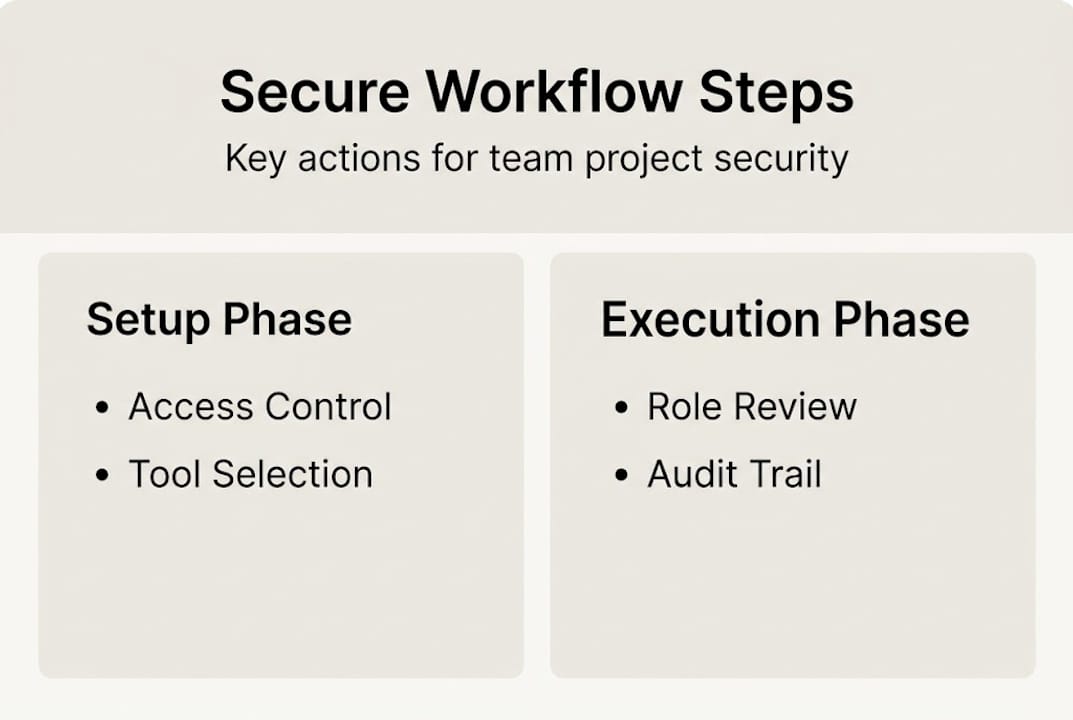
- Audit trails: Every action in the platform should be logged with a timestamp and user ID. This is essential for both compliance and incident response.
- Single sign-on (SSO) support: Reduces password sprawl and makes offboarding faster and more complete.
- API security: If you integrate with other tools, confirm that the API uses token-based authentication and supports permission scoping.
Once you have selected your platform, configuration matters as much as selection. Start by setting the most restrictive permissions by default, then open access only where needed. Review SaaS platform features to understand which security settings are available out of the box versus which require custom configuration.

Pro Tip: Schedule a quarterly configuration review as a recurring calendar event. Teams grow, roles change, and integrations get added. A 30-minute review every quarter prevents permission drift from becoming a serious vulnerability.
Pair your platform selection with smart workflow automation tips to reduce manual steps that introduce human error. Automated access provisioning and deprovisioning, for example, removes one of the most common sources of security gaps in growing teams.
Common pitfalls and how to verify your secure workflow
Having built the workflow, it is important to anticipate potential issues and ensure ongoing security. Even well-designed workflows break down over time if they are not actively maintained.
The most common mistakes teams make include:
- Building parallel processes: Creating a separate “security checklist” that runs alongside the main project workflow. This almost always gets skipped under deadline pressure.
- Ignoring role clarity: When everyone has admin access “just in case,” access controls become meaningless.
- Skipping regular audits: Configuring security settings once and never reviewing them means your workflow drifts out of alignment with your actual team structure.
- Relying on trust instead of process: Assuming team members will follow security practices without documented steps and reminders.
“Avoid running parallel processes. Adapt your existing project management flow to embed security directly, as ISO 27001 guidance recommends. Parallel systems create gaps, confusion, and extra work with no added protection.”
To verify your workflow is actually working, run a simple audit every quarter. Walk through a recent completed project and check: Were the right access controls in place at each stage? Are audit logs complete? Were permissions revoked at closure? If you find gaps, trace them back to the specific workflow step that failed and fix the template, not just the individual instance.
Establishing a feedback loop also matters. After each project closes, ask your team leads one question: “Was there any point where you had to work around the security process?” Workarounds are signals that a step is creating friction and needs to be redesigned.
Good project timeline management supports this because teams with realistic timelines are far less likely to skip security steps under pressure. And if you are still weighing whether SaaS-based workflows are worth the investment, the benefits of SaaS workflows extend well beyond cost savings into operational resilience.
A fresh take: Why secure planning is simpler (and smarter) than you think
Most SMB teams we talk to assume that “secure workflows” means months of compliance work, expensive consultants, and a stack of new tools. That assumption is wrong, and it is also the reason so many teams never start.
The truth is that the biggest security improvements come from small, embedded changes. Adding a permission review to your project kickoff template takes five minutes. Enabling audit logging in your SaaS tool takes one click. Revoking access at project closure takes less time than writing the retrospective.
The security-by-design mindset is not about perfection. It is about consistency. Teams that build security into their normal workflow incrementally outperform teams that try to implement a full compliance program all at once. We have seen this play out repeatedly with teams using streamlined workflow strategies who add one security checkpoint per phase and find that within two project cycles, it feels completely natural.
SaaS tools have also made best practices genuinely accessible. You do not need enterprise-size resources to get role-based access, audit trails, and SSO. These are table-stakes features in most modern platforms. The gap between what SMBs can implement and what large enterprises use has never been smaller.
Take the next step with secure team planning
Building a secure team planning workflow does not have to mean adding complexity to an already busy operation. The steps in this guide are designed to fit inside your existing process, not replace it.

TeamBuilt brings together resource planning, real-time scheduling, and secure collaboration in one platform built for teams like yours. With role-based permissions, full audit logging, and seamless integrations, TeamBuilt’s secure workflow features make it straightforward to run projects with both speed and confidence. If you are ready to replace scattered tools and manual workarounds with a smarter system, explore the TeamBuilt platform and see how it fits your team’s workflow today.
Frequently asked questions
What does a secure team planning workflow look like in practice?
It incorporates security checks at each project stage, uses approved SaaS tools with role-based access, and avoids parallel systems by embedding security within your existing project management stages.
Do I need an enterprise budget to implement secure workflows?
No. Most modern SaaS platforms include built-in security features like audit logs, role-based permissions, and SSO that are fully accessible and affordable for startups and SMBs.
How often should we review and update our workflow security?
Review security settings and audit your workflow at least quarterly or whenever major changes occur, since regular reviews keep configurations aligned with your evolving team structure and business needs.
Is it better to create a security workflow alongside our existing process?
No. It is far more effective to embed security directly into your core workflow rather than running parallel processes, as ISO 27001 recommends adapting your existing flow rather than duplicating it.
Recommended